
Unsere Einschätzung
In diesem Video wird ein Prototyp für ein modulares Gestell vorgestellt, das Platz für mehrere 3D-Drucker bietet. Ziel ist es, Ordnung und Stauraum in der Werkstatt zu schaffen und die Nutzung der Drucker zu optimieren.
The MP2 Tech Channel offers a variety of content related to 3D printing, 3D scanning, and electronics. The videos include both tutorials and exciting projects that are of interest to tech enthusiasts.
In diesem Video wird ein Prototyp für ein modulares Gestell vorgestellt, das Platz für mehrere 3D-Drucker bietet. Ziel ist es, Ordnung und Stauraum in der Werkstatt zu schaffen und die Nutzung der Drucker zu optimieren.

In diesem Video wird der Snapmaker U1 auf die Probe gestellt, um seine maximale Druckhöhe und Detailtreue zu demonstrieren. Der Testdruck eines Gnoms dient als hervorragendes Beispiel für die Oberflächenqualität und feine Strukturen.

In diesem Video wird gezeigt, wie man das fortschrittliche Filtersystem beim Prusa CORE One L installiert. Das Upgrade ermöglicht eine effektive HEPA-Filterung und verbessert die Druckumgebung für verschiedene Materialien.

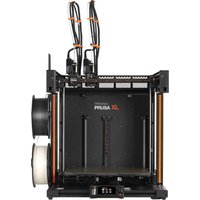
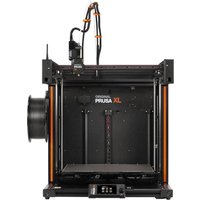
In diesem Video wird das Firmware-Update 6.4.1 für den Prusa XL vorgestellt, das die Probleme der vorherigen Version 6.4.0 behebt. Nutzer des Prusa XL sollten dieses Update unbedingt im Auge behalten, um von den Verbesserungen zu profitieren.

In diesem Video wird die Rücknahme der Firmware 6.4.0 für den Prusa XL behandelt. Nutzer werden aufgefordert, auf die stabilere Version 6.2.6 zurückzukehren, um Probleme wie Geräusche und Layerverschiebungen zu vermeiden.

Das Firmware-Update V1.3.0 für den Snapmaker U1 bringt spannende Neuerungen wie den Multi-Nozzle-Support für verschiedene Düsen und verbesserte Sicherheitsfunktionen. In unter 90 Sekunden erfährst du alles Wichtige zu den neuen Features und Bugfixes.

In diesem Video wird die Lagerung von Filamenten untersucht und verschiedene Methoden verglichen. Die Kosten variieren stark, je nach Anzahl der Rollen und gewählter Lagerungsmethode.

In diesem Video werden die neuen matten Filamente von Nobufil vorgestellt. Es wird getestet, wie die Oberfläche wirkt und ob sich das Material für verschiedene 3D-Druck-Projekte eignet.

Bambu Lab hat die X1-Serie offiziell eingestellt, jedoch sind die Drucker bis 2031 weiterhin mit Ersatzteilen und Support verfügbar. Die Frage bleibt, ob sich der Kauf der X1-Serie noch lohnt oder ob man besser auf die neue Generation warten sollte.
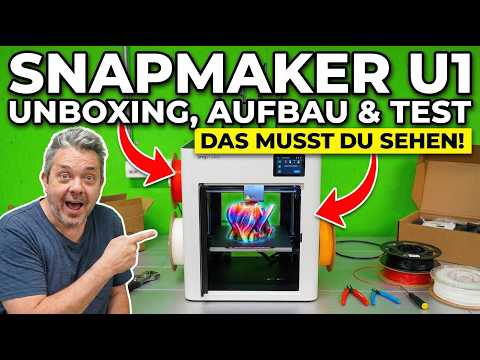
In diesem Video wird der Snapmaker U1 ausgepackt und zusammengebaut. Der Creator zeigt die Kalibrierung und den ersten Testdruck, um einen umfassenden Eindruck von der Benutzerfreundlichkeit des Druckers zu vermitteln.

In diesem Video wird ein schöner Osterhase mit dem Bavaria Filament in Pastell Grün und Blau gedruckt. Die kreative Gestaltung und die Verwendung von bunten Filamenten machen das Projekt besonders ansprechend für die Osterzeit.

In the second part of the assembly of the Prusa CORE One+, the construction of the kit continues. The video provides a realistic impression of the self-assembly and is ideal for anyone considering whether to choose the kit or the pre-assembled printer.

In this video, the assembly of the Prusa CORE One+ as a kit is demonstrated. The viewer gets a practical insight into the assembly process and the challenges that can arise during self-assembly. Additionally, it is discussed whether it is more sensible to buy the printer as a kit or fully assembled.
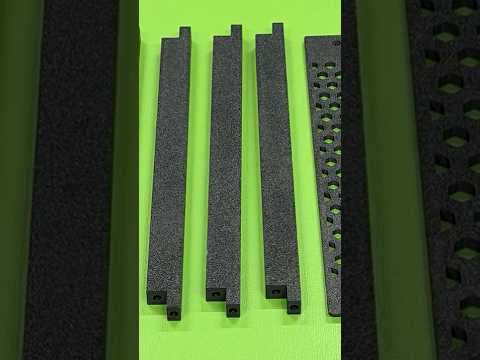
This video demonstrates how to print with PETG-CF and the advantages this material offers. The viewer learns how to achieve high layer adhesion and a matte surface, while also highlighting the strength and low warping tendency of the material.

This video demonstrates the assembly of the HULA anti-vibration feet for the Prusa Core One 3D printer. The viewer learns how these feet help reduce vibrations and ensure a more stable stance as well as quieter operation of the printer. It is shown how the upgrade improves print quality and user experience.

This video shows how to install and set up Bambu Studio on Linux Mint. The viewer will learn how to install the operating system, add Flatpak, and finally install Bambu Studio from the Flathub repository. The tutorial is aimed at both beginners and experienced Linux users who are interested in 3D printing and open source.

In this video, the creator shows how to build a stable and mobile 3D printer table from two IKEA KALLAX shelves. The table is mounted on locking casters, ensuring it stands firmly while printing. The viewer learns how to design their own 3D printer table in a cost-effective and practical way.
Creality Ender-3 V3
Creality Ender-3 V3
Creality Ender-3 V3
Bambu Lab A1 Mini
Bambu Lab A1 Mini
Bambu Lab A1 Mini
Bambu Lab
50 mm Furniture Castors with Safety Brake, Set of 4 Heavy Duty Castors (2 with Brakes and 2 Without) Beach Chair Castors with 400 kg Total Capacity
Kallax Shelf, Bookcase, Wall Shelf, Room Divider in White

IKEA KALLAX

Feststellrollen

Prusa i3 MK3S+
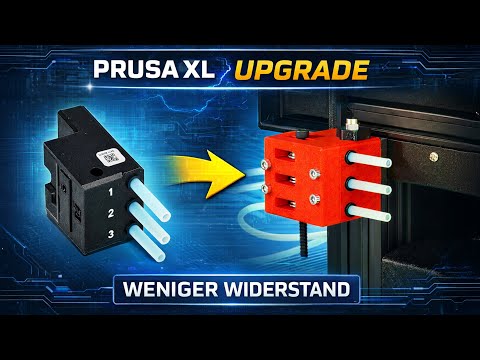
In this video, the original Side Filament Sensor of the Prusa XL is replaced with a new sensor featuring ball bearings. The modification is intended to reduce filament resistance by about 50% and is designed as a plug-and-play solution. The viewer will learn how to carry out the modification step by step and receive important tips for functionality testing after installation.
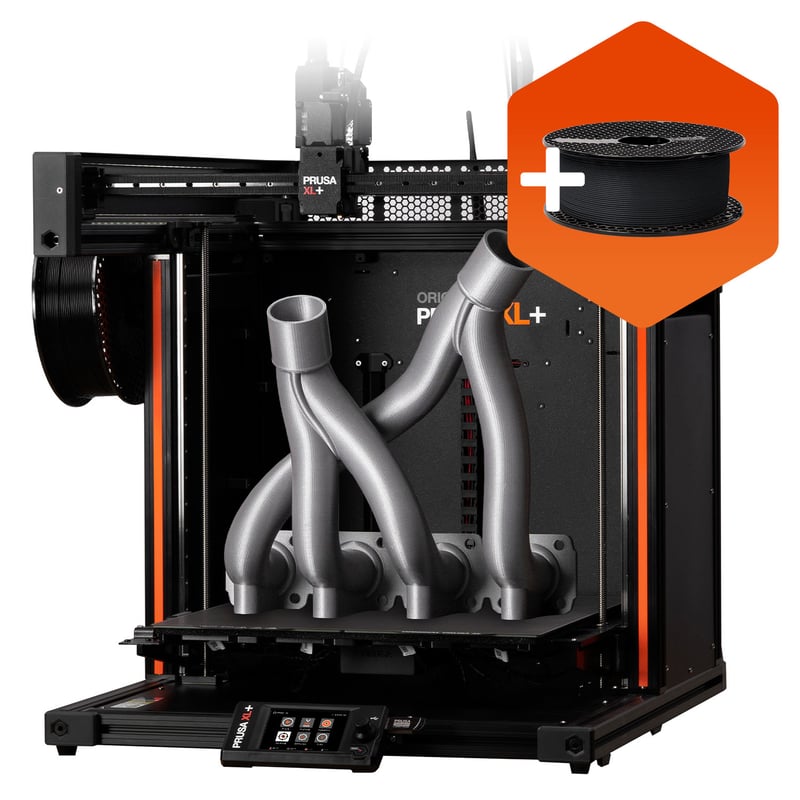
Prusa XL
Prusa
Prusa XL
Prusa
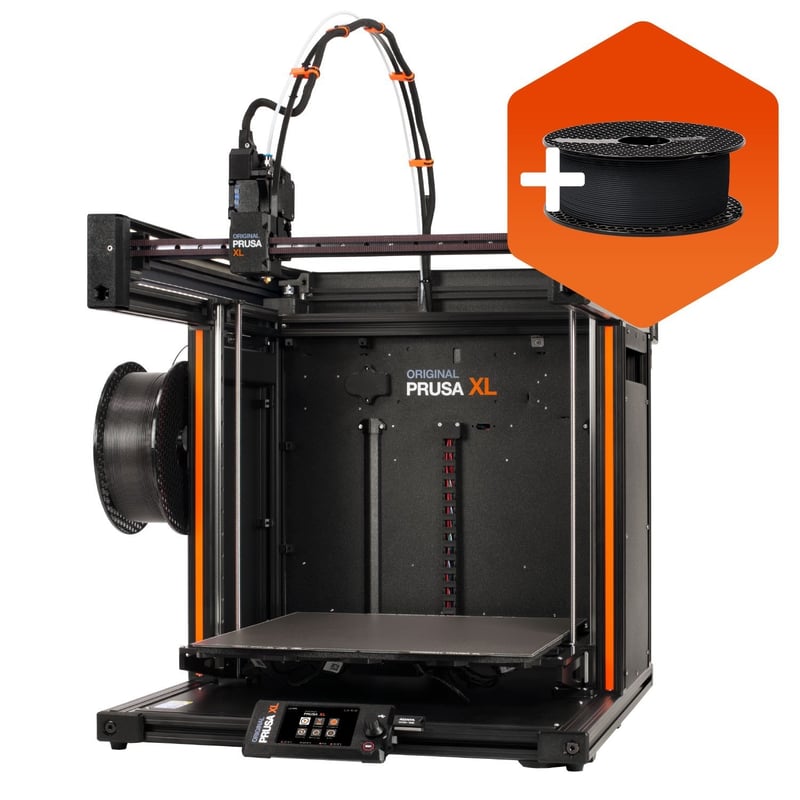
Prusa XL
Prusa
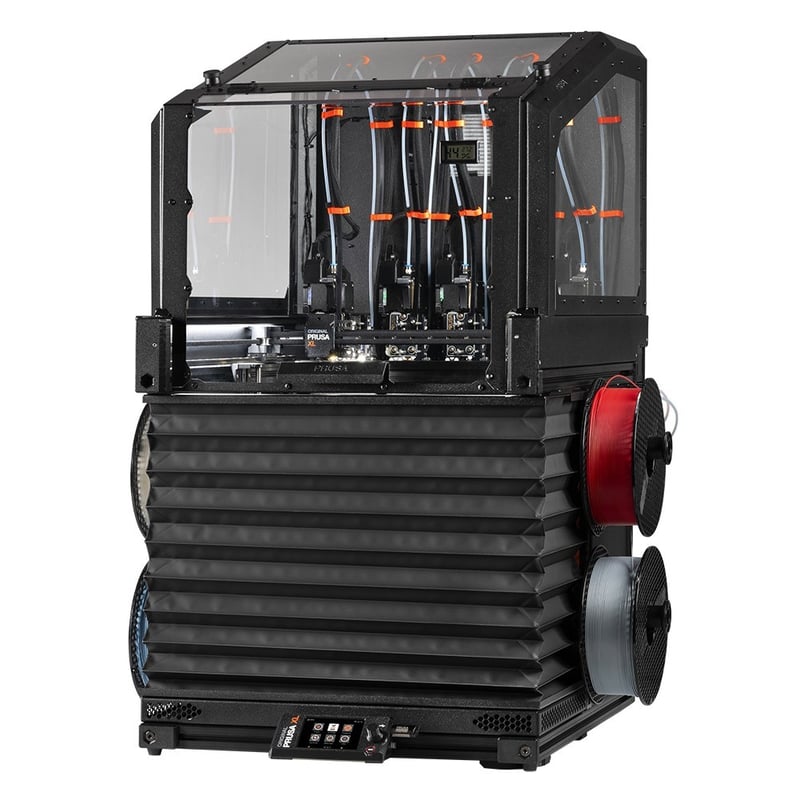
TORQUEY - Prusa XL Edition
Prusa
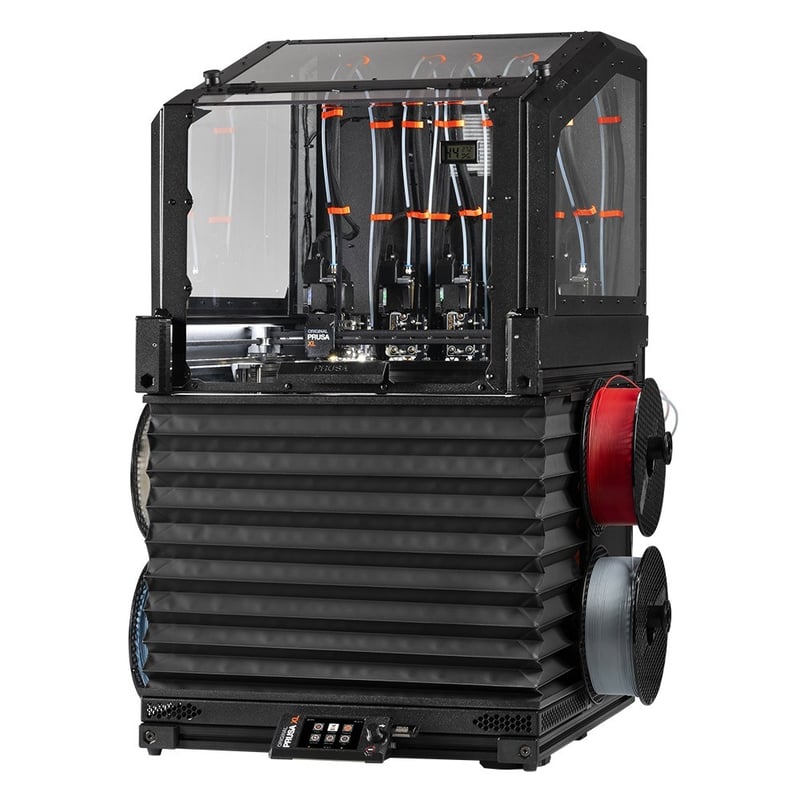
TORQUEY - Prusa XL Edition
Prusa
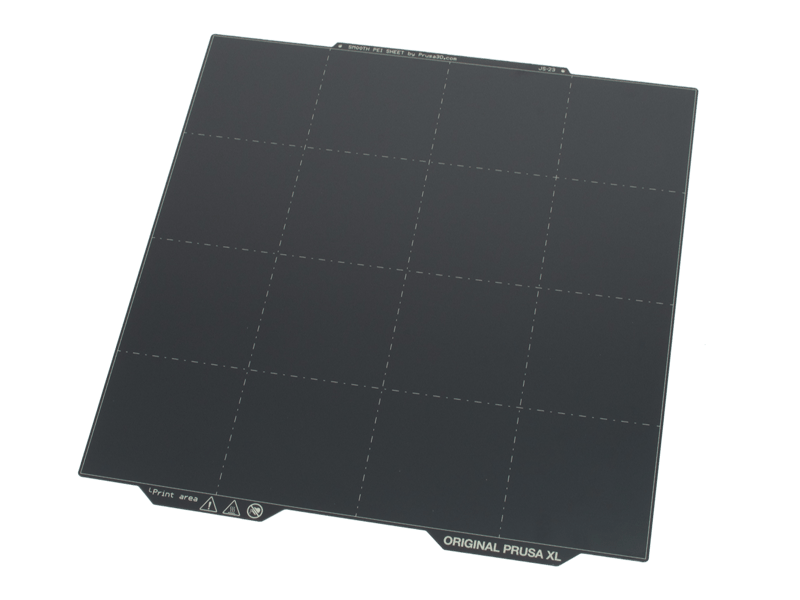
XL-Filament-Seitensensor mit Lagern
Prusa
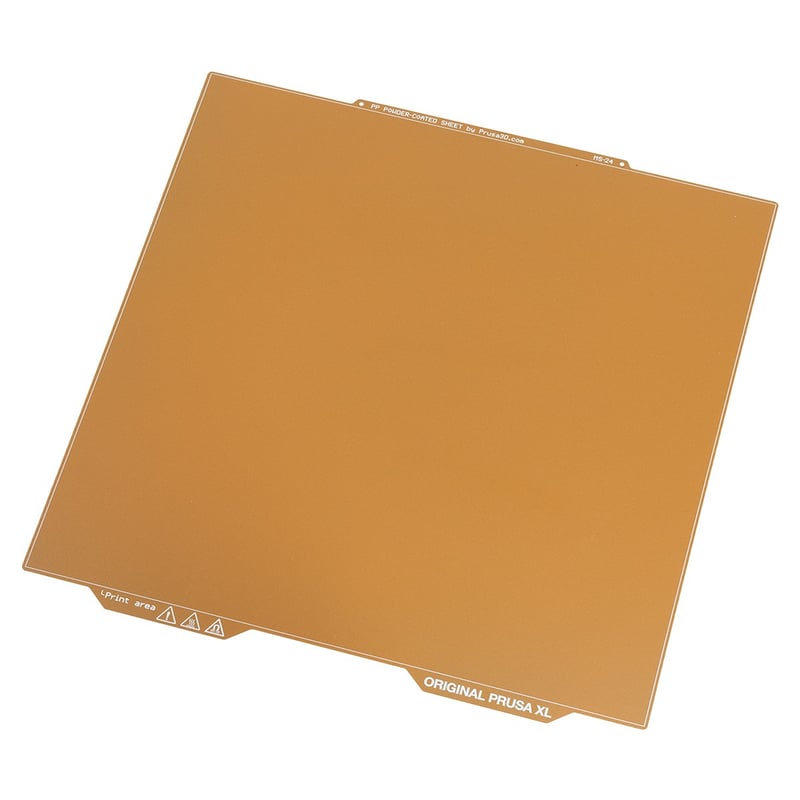
XL-Filament-Seitensensor mit Lagern
Prusa
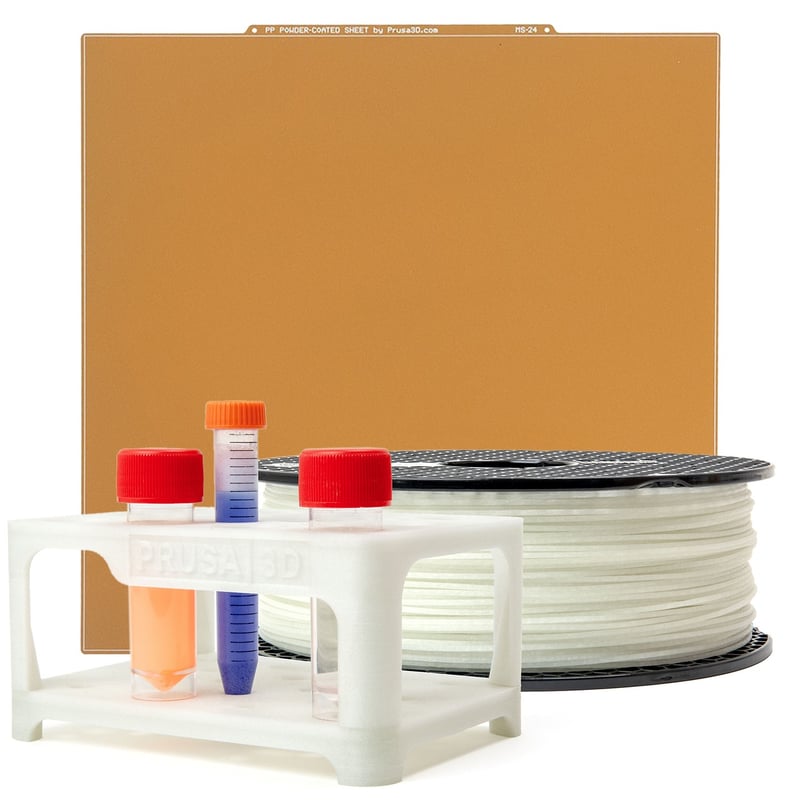
XL-Filament-Seitensensor mit Lagern
Prusa

In this video, the creator shows step by step how to replace the Live-View camera on the Bambu Lab H2D. The viewer learns how to safely remove the camera, correctly disconnect the cables, and connect the new camera. Additionally, it explains how to mount the camera and test its function to ensure that everything works perfectly.

This video explains how to perform the tool offset calibration after a nozzle change on the Prusa XL. The viewer learns how important the precise alignment of the hotends is and that each nozzle must be individually calibrated to achieve optimal printing results.

This video explains how a too-tight screw connection on the Nextruder of the Prusa XL printer can lead to printing errors. The viewer learns to pay attention to the recommended tightening torque and to apply the correct technique for assembling the hotend. Additionally, the importance of caution when working on the hotend is emphasized.

In this video, the Bambu Lab H2C 3D printer is presented in detail. The viewer learns what is included in the package, how to perform the initial setup step by step, and how to successfully make the first print right after unpacking. Additionally, there is an initial assessment of whether the H2C is suitable for one's own workshop.

This video demonstrates the hotend calibration of the Bambu Lab H2C. The viewer gets a brief insight into the automated calibration process of the system. It shows how the hotends are moved to ensure precise calibration.

In this video, the creator demonstrates how to specifically color a gear in Bambu Studio, which is particularly useful for multi-color 3D printing with the AMS system. The viewer learns how to integrate colored accents or functional markings into 3D print models. Additionally, the possibility of asking questions and supporting the channel is mentioned.

In this video, a custom shelf for the H2D 3D printer setup is presented. It offers an optimal storage solution for various AMS models and the SUNLU heater. The viewer will learn how to create a tidy and functional setup with clean cable management.
Bambu Lab AMS
Bambu Lab
Bambu Lab AMS
Bambu Lab

Bambu Lab AMS
Bambu Lab
Bambu Lab AMS 2 Pro

Bambu Lab AMS 2 Pro
Bambu Lab

Bambu Lab AMS 2 Pro
Bambu Lab
Bambu Lab AMS HT
Bambu Lab AMS HT
Bambu Lab AMS HT

SUNLU Heater
* Produktlinks sind Affiliate-Links. Bei einem Kauf erhalten wir eine kleine Provision – für dich bleibt der Preis gleich.