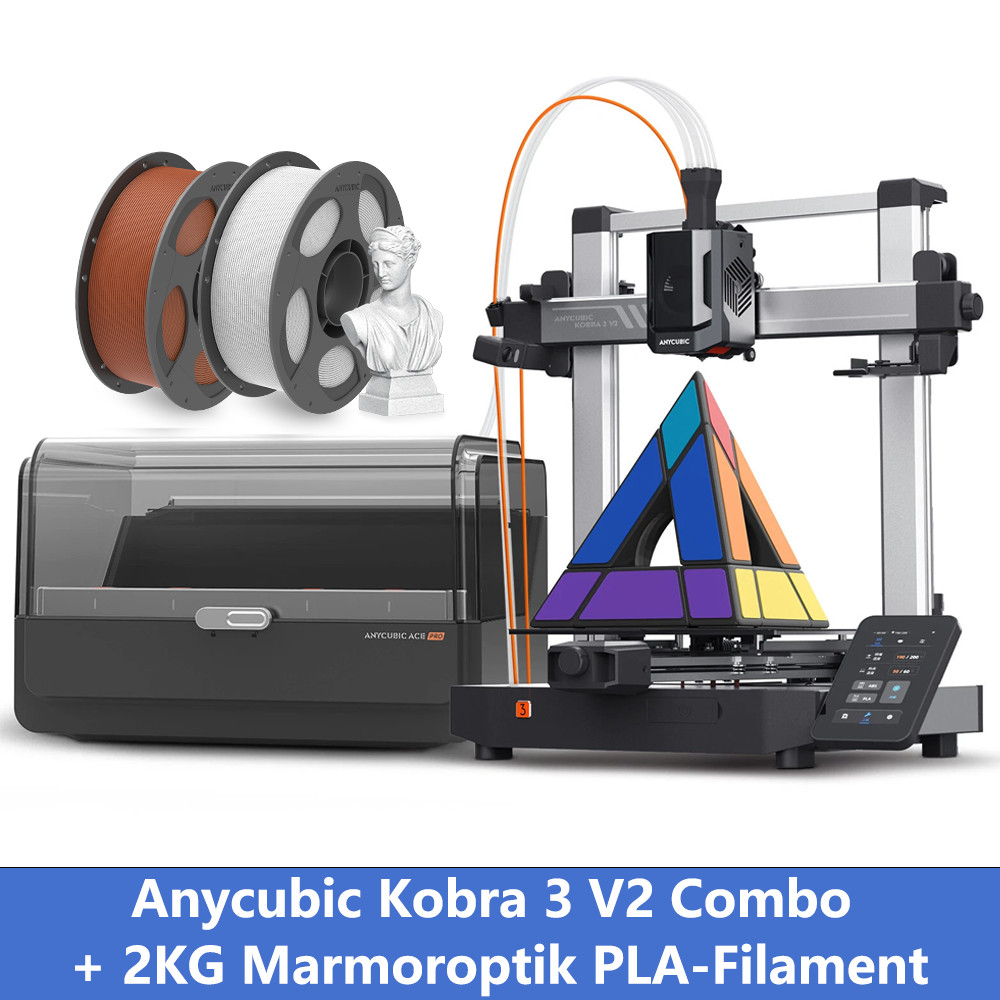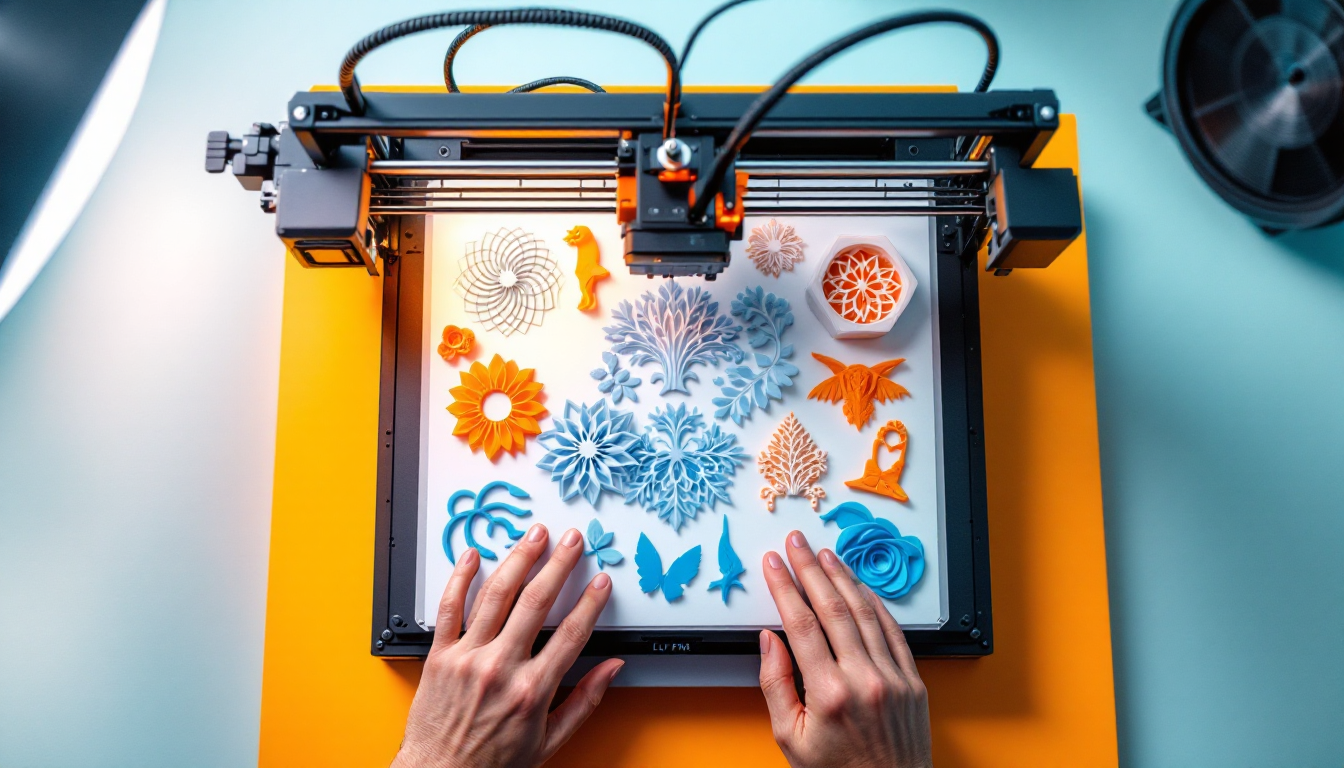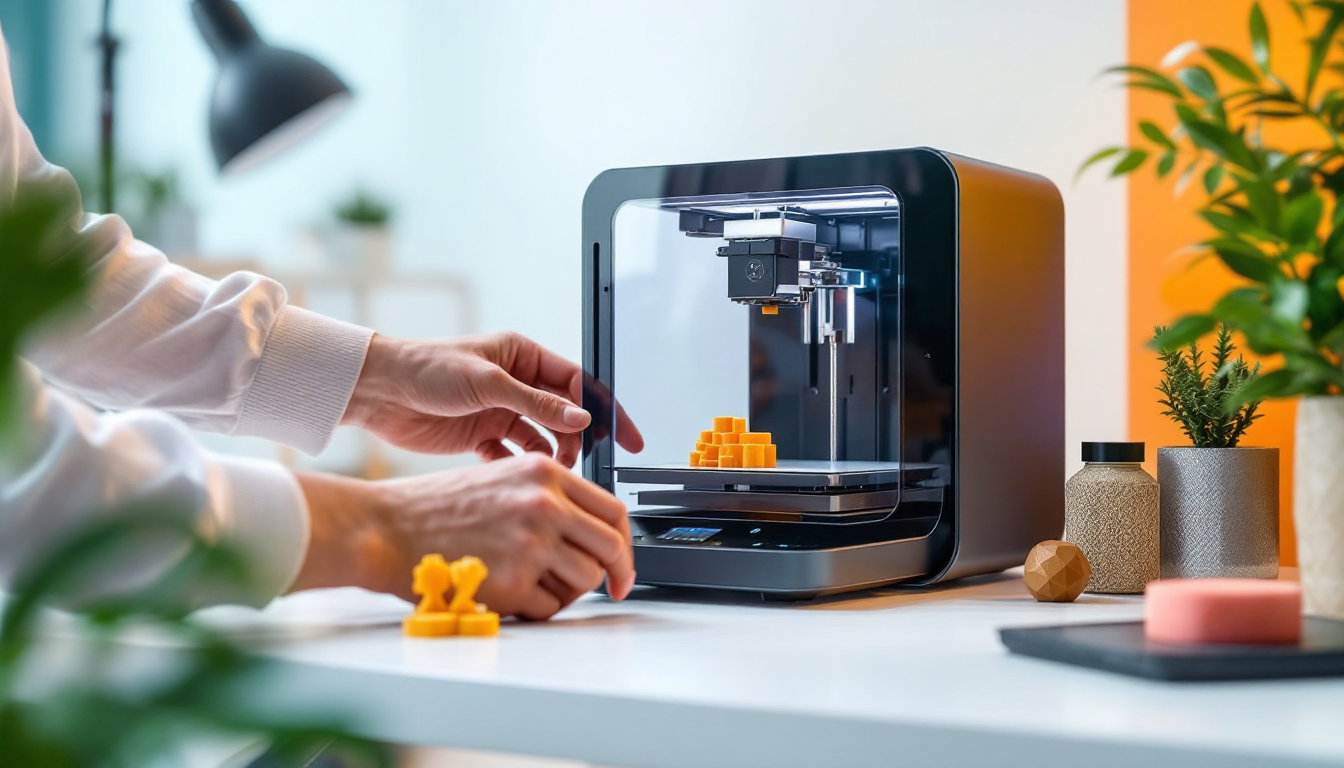
The Bambu Lab A1 Combo tries to position itself as an entry-level model with professional ambitions. After a few weeks of use, it becomes clear that the "beginner-friendly" promise should be taken with caution. The A1 is a solid printer for standard filaments, but its limitations quickly become apparent when you want to move beyond PLA and PETG.
The Concept: Open CoreXY with AMS Lite
The A1 features an open housing design without a heated chamber. With a build volume of 256 × 256 × 256 mm, you have enough space for most hobby projects. The maximum nozzle temperature is 300°C, and the heated bed can reach 100°C. Those are the hard facts.
The AMS Lite system allows for multi-filament printing, but it comes with significant limitations compared to the full-fledged AMS of the more expensive models. The filament detection works reliably, but during quick color changes, the system struggles with longer purge phases.
The lack of a hardened nozzle out of the box is a clear signal: Bambu Lab is targeting standard filaments here. If you want to work with abrasive materials like carbon-reinforced filaments, you'll need to upgrade.
Strengths in Everyday Use: Where the A1 Excels
With PLA and PETG, the A1 runs like a Swiss watch. The automatic calibration works precisely, and the print quality is consistently high. The open design has a crucial advantage: you can easily access all components, making maintenance and repairs straightforward.
The CoreXY system operates smoothly and achieves high print speeds without sacrificing quality. The Bambu Studio software is well thought out and provides quick success experiences for beginners. Profiles for common filaments are pre-installed and work right away.
The noise level remains moderate even at higher speeds. In a workshop or a separate printing room, the A1 is not disruptive.
The Limitations: Where It Gets Tight
The open housing becomes a problem as soon as you want to print technical filaments. Without a heated chamber, you'll struggle with warping when printing ABS, and ASA is practically unprintable. The theoretical 300°C nozzle temperature is of little help if the ambient temperature isn't right.
The AMS Lite system shows weaknesses with more complex multicolor prints. The purge amounts are often set too conservatively, leading to color bleed. Manual fine-tuning is often necessary.
The standard nozzle wears out quickly with abrasive materials. While replacement is possible, it's not trivial for beginners. Bambu Lab should have included a hardened nozzle out of the box.
Beginner-Friendliness: Marketing vs. Reality
"Beginner-friendly" is relative. Yes, the A1 prints PLA without issues, and the software is intuitive. But a true beginner will quickly become frustrated when trying to move beyond standard materials.
The automatic calibration works well, but if you encounter problems, you're on your own. The Bambu Lab community is helpful, but it's English-speaking. German tutorials and support are scarce.
The price is fair for the performance offered, but you need to factor in additional costs: hardened nozzle, extra print plates, and possibly an enclosure kit for technical materials.
Competition Comparison: Positioning in the Market
Against the Prusa MK4, the A1 falls short in material variety but scores points in speed and software integration. The Creality K1 offers similar performance but with lower build quality.
Bambu Lab's own P1S costs significantly more but comes with a closed chamber and a hardened nozzle out of the box. If you're planning long-term, it's worth investing in the upgrade.
Upgrade Path: What Comes After the A1?
The A1 is a good entry point into the Bambu Lab ecosystem, but it's not the endpoint. Most users will hit the limits after 6-12 months and want to upgrade.
The logical next step is the P1S or X1C. The AMS Lite can be reused, and the print plates are compatible. Bambu Lab has created a well-thought-out upgrade system here.