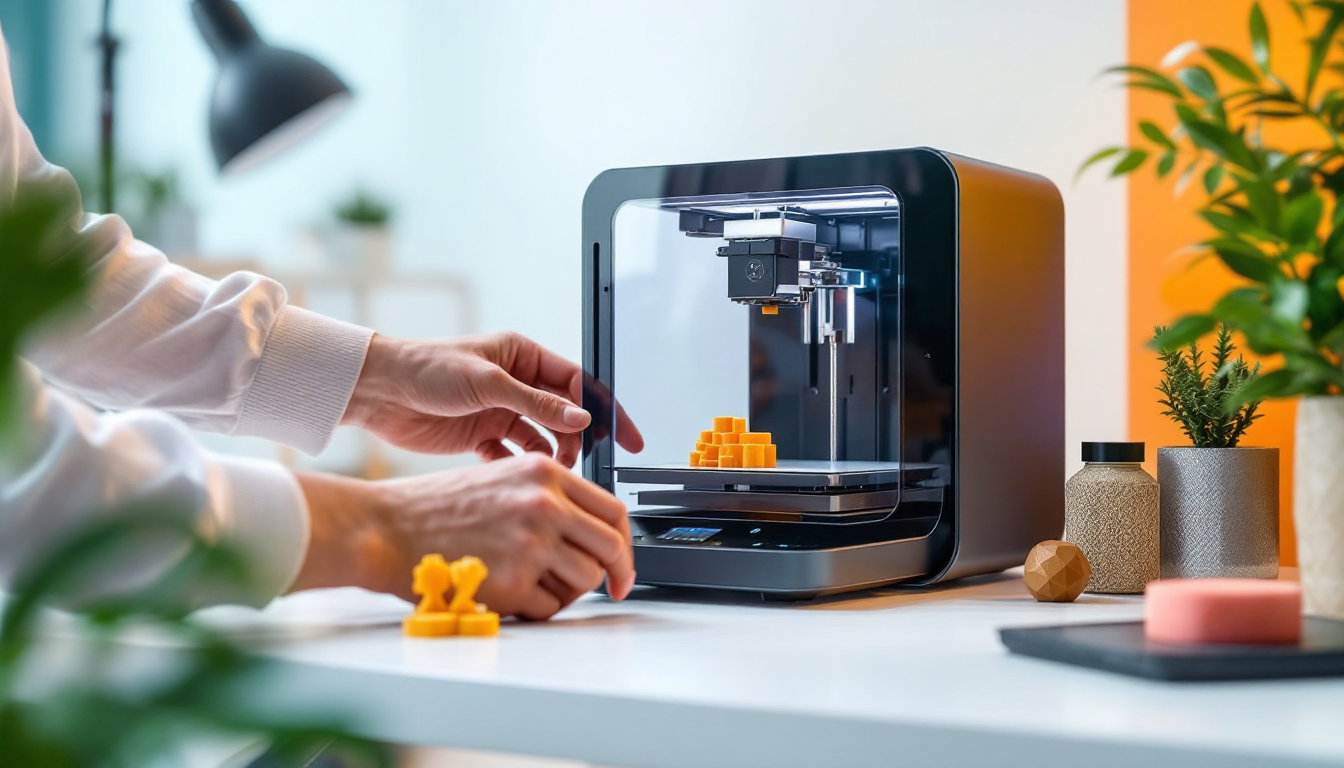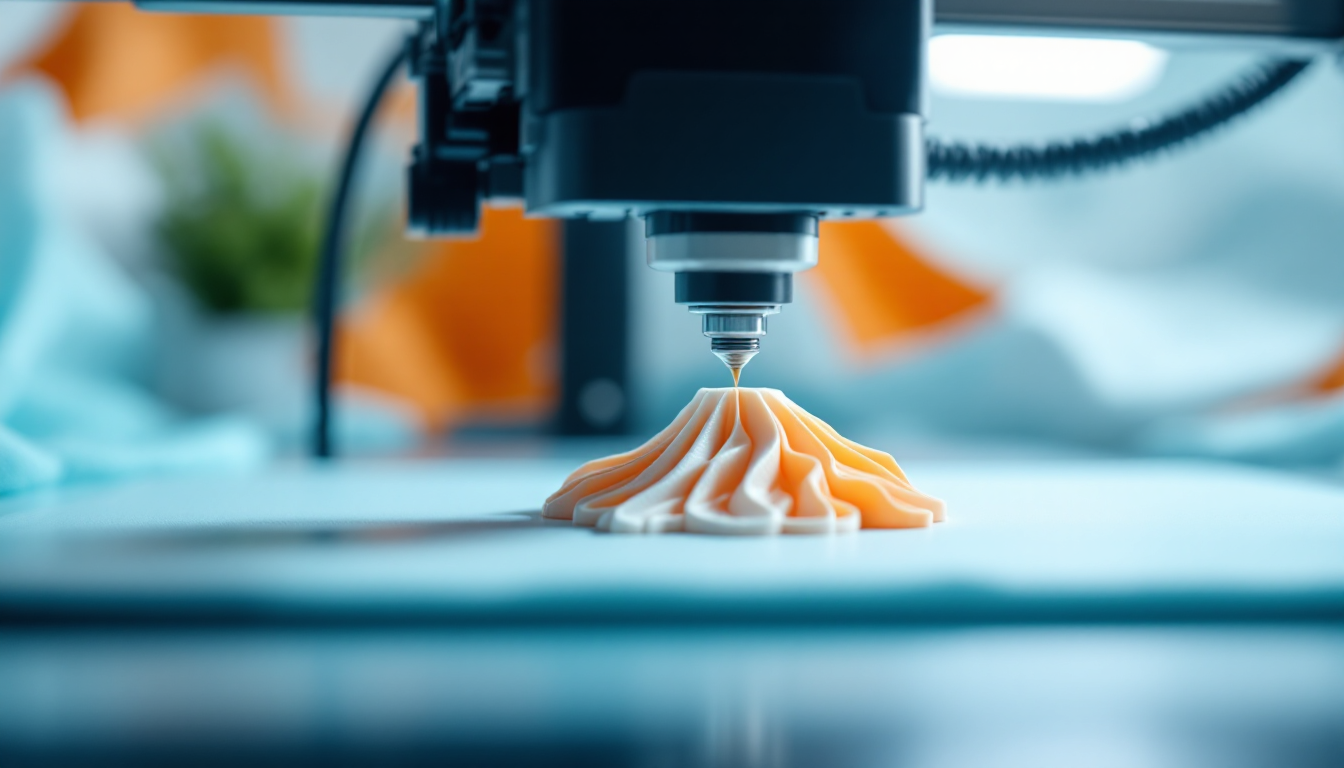
You know the problem: The ABS print has been running for hours, and then you hear that familiar clicking sound of the nozzle hitting a warped corner. Warping with ABS is the classic printing error — and one of the most frustrating because it often strikes after hours of printing. The corners lift off the bed, the entire part warps, and in the worst-case scenario, the print completely detaches from the platform. The issue lies in the physics of the material: ABS shrinks significantly as it cools, and the resulting stresses are stronger than the adhesion to the print bed.
The Cause Analysis: Why ABS Tends to Warp
The main culprit is the drastic temperature difference between the melting temperature at the nozzle and the ambient temperature. While ABS comes out of the nozzle at around 240°C, it cools down rapidly in normal room air. This quick cooling leads to two critical problems: First, the material shrinks unevenly — the upper layers cool faster than the lower ones, which still receive heat from the heated bed. Second, internal stresses are created in the material due to the extrusion process itself. The polymer chains are stretched as they are forced through the nozzle and "frozen" before they can relax.
Timing is crucial: ABS needs time above its glass transition temperature to relieve these internal stresses. If it cools too quickly below this point, the stresses remain trapped in the material and lead to deformations. With large prints, the problem intensifies — each new layer adds more stresses until the accumulated force overcomes the bed adhesion.
Geometry also plays a role. Long, straight edges and sharp corners are particularly susceptible because that’s where the stresses concentrate. Small, round objects have significantly fewer issues because the stresses are distributed more evenly.
The Fix — Step by Step
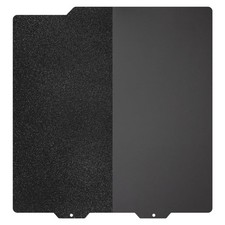
The most important parameter is the bed temperature. Start with 115°C for the first layer and reduce to 110°C for the following layers. The PEI bed must be completely grease-free — wipe it with IPA 90%+ before every print. For stubborn cases, a thin layer of glue stick can help, which improves adhesion and acts as a release layer.
You should also adjust the printing temperature upwards. While 240°C is the standard, you can go up to 250-260°C if you have warping issues. Higher temperatures give the material more time and energy to relieve internal stresses. At the same time, you need to reduce the speed — 50 mm/s for perimeters, 60 mm/s for infill, and only 20 mm/s for top and bottom layers. Slower printing means more time for stress relief.
The fan stays completely off for ABS. Even with overhangs and small details, you should use a maximum of 10-20% fan speed, and only if the parts are between heat-retaining supports. Too much cooling significantly exacerbates the warping problem.
Always use a brim, especially for large prints. The brim increases the contact area with the bed and distributes the stresses. In critical areas, you can also add small cylinders as "anchors" in the problematic corners — just a few layers high so they can be easily removed.
Preventive Measures: Enclosure and Environment
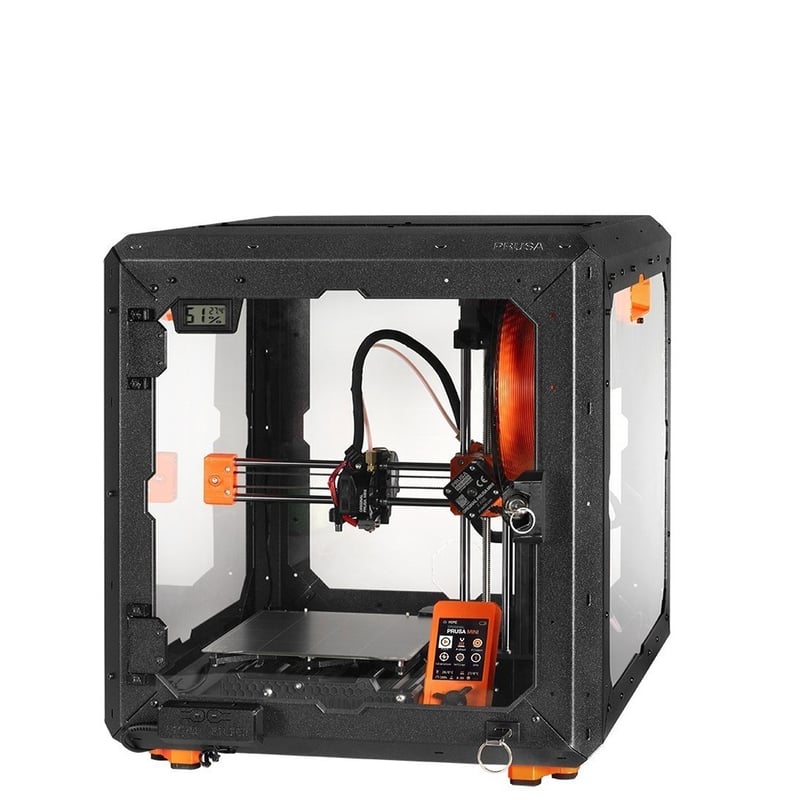
An enclosure is essential for regular ABS printing. The ambient temperature should be at least 50°C, with 65°C being optimal. Let the heated bed sit at temperature for 5-10 minutes before starting the print — the warm air needs time to circulate within the enclosure.
Critically: The power supply must be outside the enclosure. The high temperatures can overload the electronics and lead to failures. The stepper motors and the mainboard also need active cooling or heatsinks to operate stably at these temperatures.
If you don’t have a ready-made enclosure, a DIY solution with acrylic glass or even a simple cardboard box lined with aluminum foil will work. The main thing is that the warm air cannot escape and drafts are kept away.
For extreme cases, you can make ABS juice: dissolve 50g of ABS material in 200ml of acetone, and wait about 8 hours until a milky consistency forms. Apply this mixture to the heated bed — it creates a chemical bond between the print and the bed.
When It’s NOT Warping
Not every lifting is classic warping. When individual layers separate from each other (delamination), the problem usually lies in too low printing temperatures or too high fan speeds. The layer adhesion is then weaker than the stresses in the material.
For small parts that completely lift off the bed, the first layer is often the issue — either too far from the platform or uneven bed leveling. True warping always starts at the corners and slowly works its way inward.
If only the top layers crack or warp, you’re dealing with overheating. This happens with too fast printing of small details without adequate cooling. Ironically, a little fan helps here, while for true warping, the fan is a no-go.