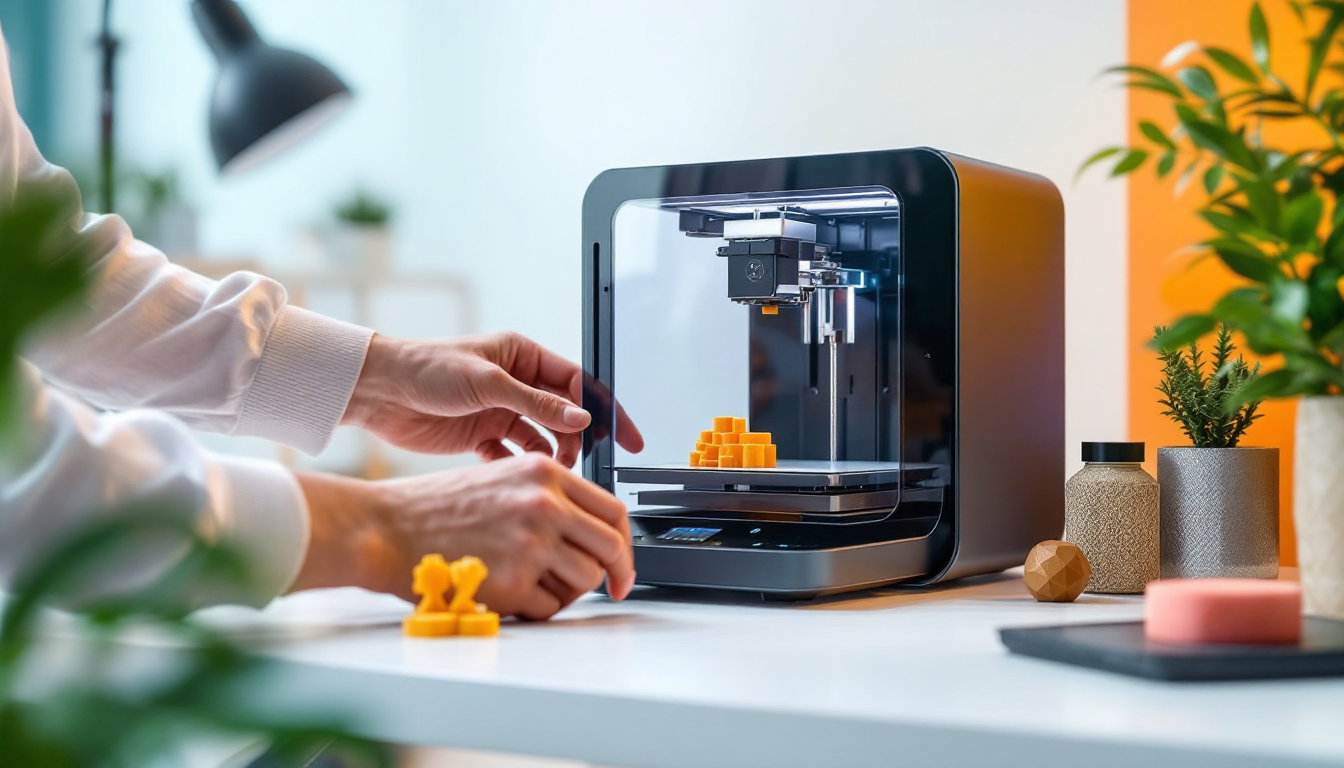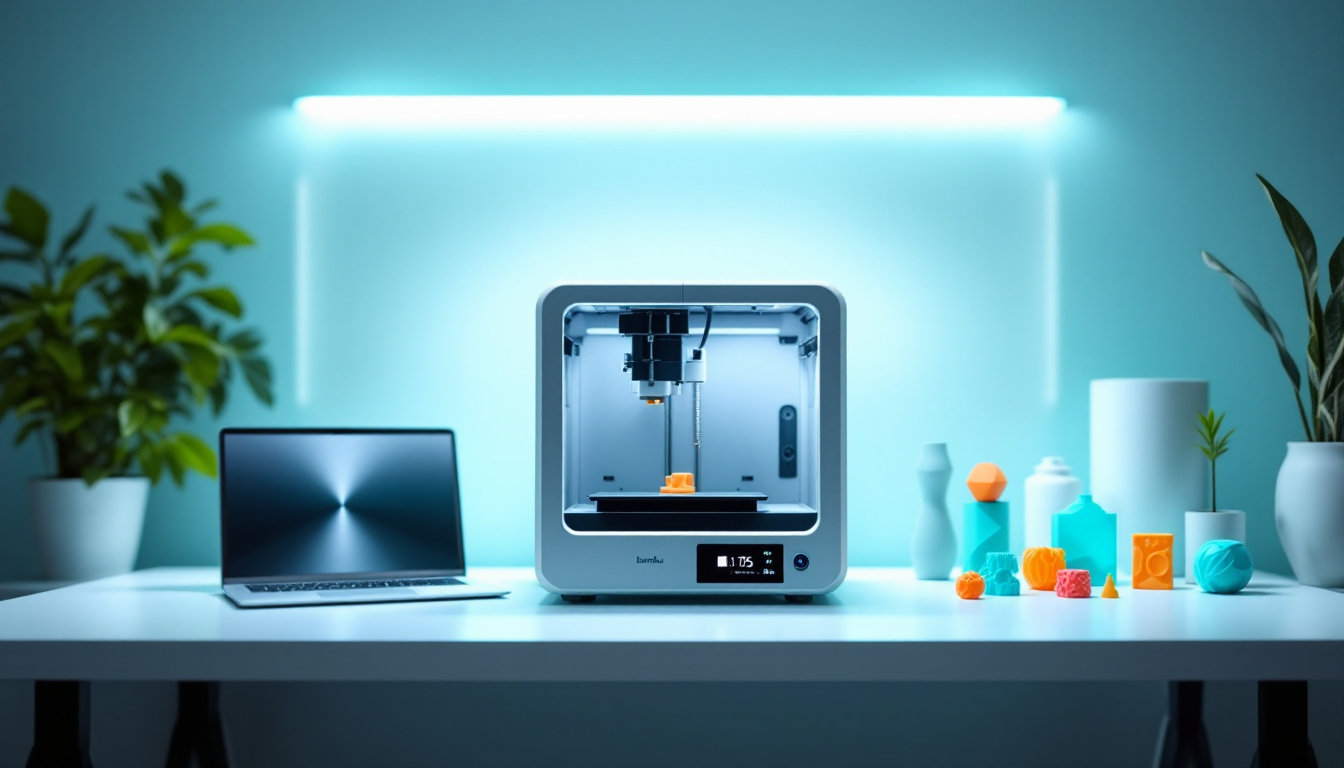
The P1S Combo arrives as a complete package on your workbench — printer plus AMS system in one box. Bambu Lab promises plug-and-play for multi-material printing, but the reality is a bit more complex. After three months of intensive testing with everything from standard PLA to fiberglass-reinforced filaments, it’s clear: the system works, but it has its quirks.
Hardware Foundation: Solid Base with Compromises
At its core is a CoreXY system with a build volume of 256×256×256 mm — enough for most projects, but not a giant. The steel frame with plastic-glass covering feels robust, and the net weight of 12.95 kg confirms that. You’ll need the entire 389×389×457 mm footprint; saving space isn’t an option here.
The all-metal hotend reaches 300°C, making it suitable for technical filaments like PA or PC. The standard hardened steel nozzle with a 0.4 mm diameter can handle abrasive materials like carbon-PLA without wear. There are optional nozzles available in 0.2 mm, 0.6 mm, and 0.8 mm — though switching them out can be a hassle since you have to replace the entire hotend.
The heated bed reaches 100°C, which is sufficient for ABS and PETG. The passive chamber heater maxes out at 50°C — enough for ABS, but it’s borderline for PA or PC. This is where the compromise shows: full enclosure yes, but without an active chamber heater like the one on the X1E.
AMS System: Multi-Material with Quirks
The Automatic Material System is the real reason to buy the Combo. Four filament spools, automatic switching, theoretically seamless. In practice, there are some stumbling blocks: the PTFE tubes between the AMS and the printer are wear parts. After about 500 filament changes, they become rough inside and cause jams.
The filament odometry does detect clogs, but it reacts sluggishly. With flexible materials like TPU, the system completely fails — the soft filament path leads to problems. The desiccant bags in the AMS are well-intentioned but powerless against moist PETG or PA. You’ll still need a separate filament dryer.
The integrated filament cutter works reliably but leaves shavings in the hotend. You should flush the hotend every 50-100 prints; otherwise, the remnants will accumulate and clog during temperature changes.
Speed and Precision: Marketing vs. Reality
Bambu Lab advertises a maximum speed of 500 mm/s and an acceleration of 20 m/s². You can achieve these values — with simple geometries and PLA. With complex models or technical filaments, the speed drops. The maximum hotend flow of 32 mm³/s only applies at 280°C for ABS — with PLA at 210°C, it’s more like 20 mm³/s.
Still, the print quality is solid. Layer adhesion is consistent, and overhangs up to 60° work without support. The closed-loop fan control keeps temperatures stable, even with rapid direction changes.
Software Ecosystem: Bambu Studio vs. Alternatives
Bambu Studio is a must for AMS functions. The system automatically detects filament types and adjusts temperatures — but only if you use the original Bambu spools with RFID tags. For third-party filaments, you’ll need to configure settings manually.
The cloud connection is both a blessing and a curse. Remote control via the app works well, but nothing runs without internet access. The 1280×720 camera with 0.5 fps is sufficient for monitoring, but timelapses come out pixelated.
Standard G-code from PrusaSlicer or Cura generally works, but AMS features are lost. SuperSlicer runs more stable than Cura, but both require manual adjustments for optimal results.
Maintenance and Wear: What Breaks
The PTFE tubes in the AMS are the weakest link. After 6-12 months of heavy use, they become rough inside and cause filament jams. Replacement is inexpensive, and changing them takes about 10 minutes.
The hotend is low-maintenance, but the hardened nozzle collects deposits. You should clean it with a cold pull every 500 operating hours. The Bambu-branded wiper pads for nozzle cleaning last about 100 prints.
The activated carbon filter saturates after 200-300 hours of ABS printing. Bambu sells replacements, but standard activated carbon mats work just as well and cost a third of the price.
Material Compatibility: What Really Works
PLA, PETG, and ABS run smoothly. With TPU, the AMS fails — you’ll need to load it directly into the printer. PA and PC work but require chamber temperatures above 50°C for optimal results. The passive heating just barely makes the cut.
Carbon and fiberglass-reinforced filaments are no problem for the hardened nozzle, but they tend to clog the PTFE tubes in the AMS. For abrasive materials, you should print directly and bypass the AMS.
PVA as a support material theoretically works but dissolves poorly at the limited chamber temperature. HIPS or PETG as support are more practical.
Troubleshooting: Common Issues
Filament jams in the AMS usually occur due to worn PTFE tubes or incorrect spool settings. The automatic calibration of filament tension only works reliably with Bambu spools.
First-layer issues often stem from the automatic bed calibration. The Lidar system is precise, but the PEI surface wears out. After 200-300 prints, you should clean the surface with isopropanol or refresh the texture with fine sandpaper.
Warping with ABS can happen despite the enclosure if the chamber temperature is too low. An additional heater or preheating the chamber for 10-15 minutes before printing helps.