The Workflow Reality Check
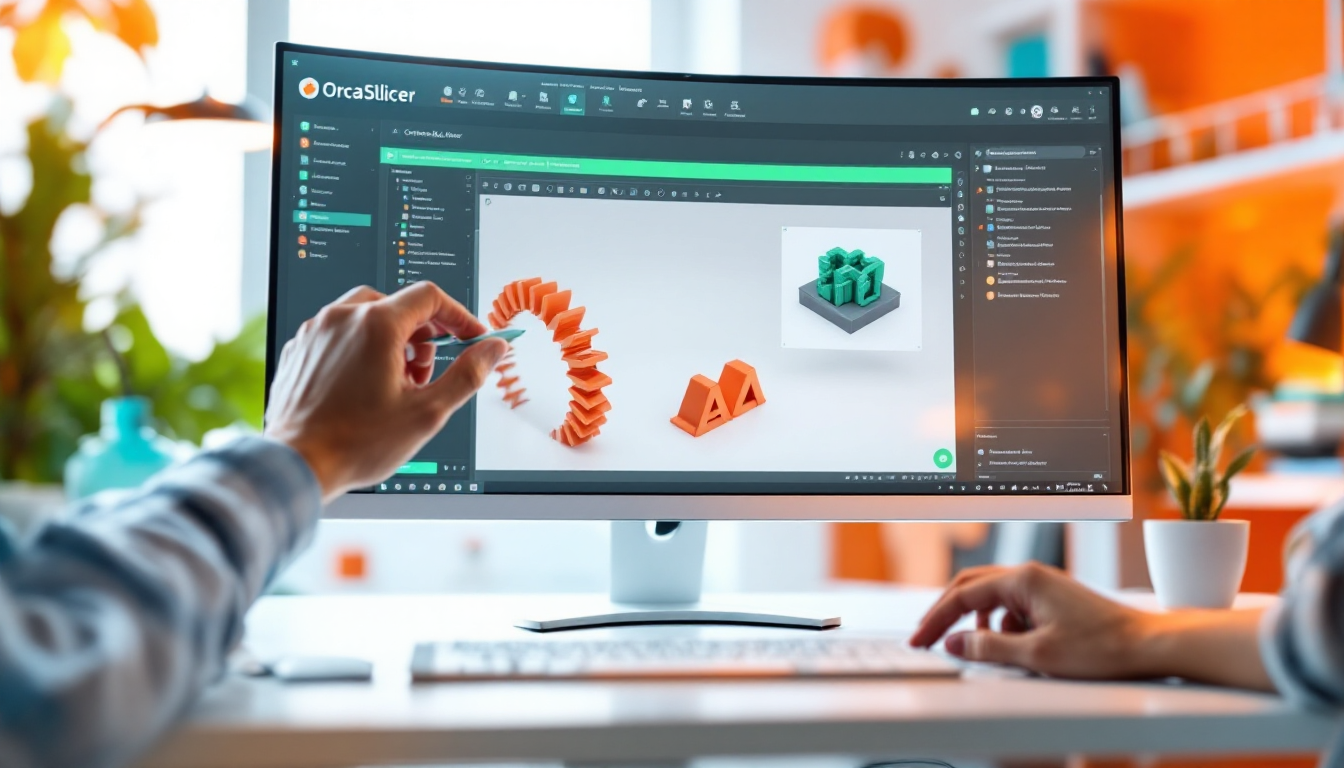
Let’s be honest: 3MF has become the undisputed standard. Who still shuffles around bare STLs when you can pack entire print plates with modifiers, support blockers, and filament profiles into one file? However, until recently, there was a massive problem lurking here that many of us didn’t even consider. With the release of OrcaSlicer 2.3.2, the development team at SoftFever has closed a critical security vulnerability. While we usually chat about the latest adaptive mesh features or even faster print times, OrcaSlicer has secured the foundation this time. If you regularly pull project files from MakerWorld, Printables, or dubious Discord channels, this update is an absolute must. It doesn’t just protect your print; it safeguards your entire operating system from external attacks.
Feature Deep Dive: What’s Really Happening Under the Hood
To understand what the update does, we need to get a bit technical. A .3mf file isn’t a massive code block; it’s basically just a glorified ZIP archive containing XML files and 3D models. The slicer unpacks this archive in the background when opening it. The vulnerability (discovered by user Zekun Shen) was a so-called Path Traversal Exploit – often referred to in IT as "Zip-Slip." A maliciously manipulated 3MF file could trick the slicer into unpacking incorrect path information. The result? The attacker could write files to any location on your hard drive – far outside the folder where OrcaSlicer is supposed to operate. In theory, this could allow malware to be smuggled into your Windows startup. The patch in version 2.3.2 puts a stop to that. Paths are now strictly limited and validated upon import. Additionally, the update has brought real value for multi-material setups: there’s now a dedicated wipe tower type (Type 2) for MMU and tool changer systems that works much more cleanly. The Linux crowd among us is also happy about the fix for broken CLI slices and Wayland bugs.
The Frustration Factors
Despite all the love for open-source: OrcaSlicer is an absolute monster of software, and that comes with its own problems. If you’re coming from a very simple slicer, the sheer wall of parameters in the tabs can be overwhelming at first. The UI is powerful but forgiving of few mistakes. Moreover, performance with extremely high-resolution models (e.g., unoptimized ZBrush sculpts with millions of polygons) is still an issue. The slicer can consume a lot of RAM, which inevitably leads to massive lags or even crashes on older workshop laptops. You can really feel that the engine under the hood has to work hard as soon as you fill several plates with complex tree-like supports.
Practical Setup & Workflow Tips
File-level security is one thing, but the print still has to come out right in the end. Here are a few tried-and-true adjustments to get the most out of Orca: Adjust your retract values to your hardware. If you’re working with a direct drive extruder, keep the values nice and short (often 0.4 to 0.8 mm is enough) to avoid clogs in the heat break. Bowden systems naturally need more leeway, so you’ll be better off with 3 to 5 mm. An absolute game changer for materials like PETG, which tend to weld themselves to PEI print beds: use the machine-specific G-code in Orca. You can define that the bed temperature drops by 5 °C to 10 °C after the first layer. The adhesion during printing remains stable, but you won’t tear the coating off your flex plate when removing the print. And even though Klipper can’t scan 3MF files, you should also secure things on the printer side. Clean Klipper macros for emergency stops, filament runout, and especially strictly configured thermal runaway limits are your insurance policy in the workshop.
Objective Assessment
Should you do the update? A clear yes. If you download files from other makers even occasionally, OrcaSlicer 2.3.2 is essential to avoid unknowingly wrecking your operating system. Is OrcaSlicer the right choice for everyone? No. If you just want to print a finished holder now and then and don’t feel like dealing with calibration flow rates and wipe tower volumes, you’ll often be more relaxed with the standard solutions from manufacturers. OrcaSlicer remains the tool for power users. It requires you to understand what you’re doing – but rewards you with control over the printing process that is currently unmatched on the market.