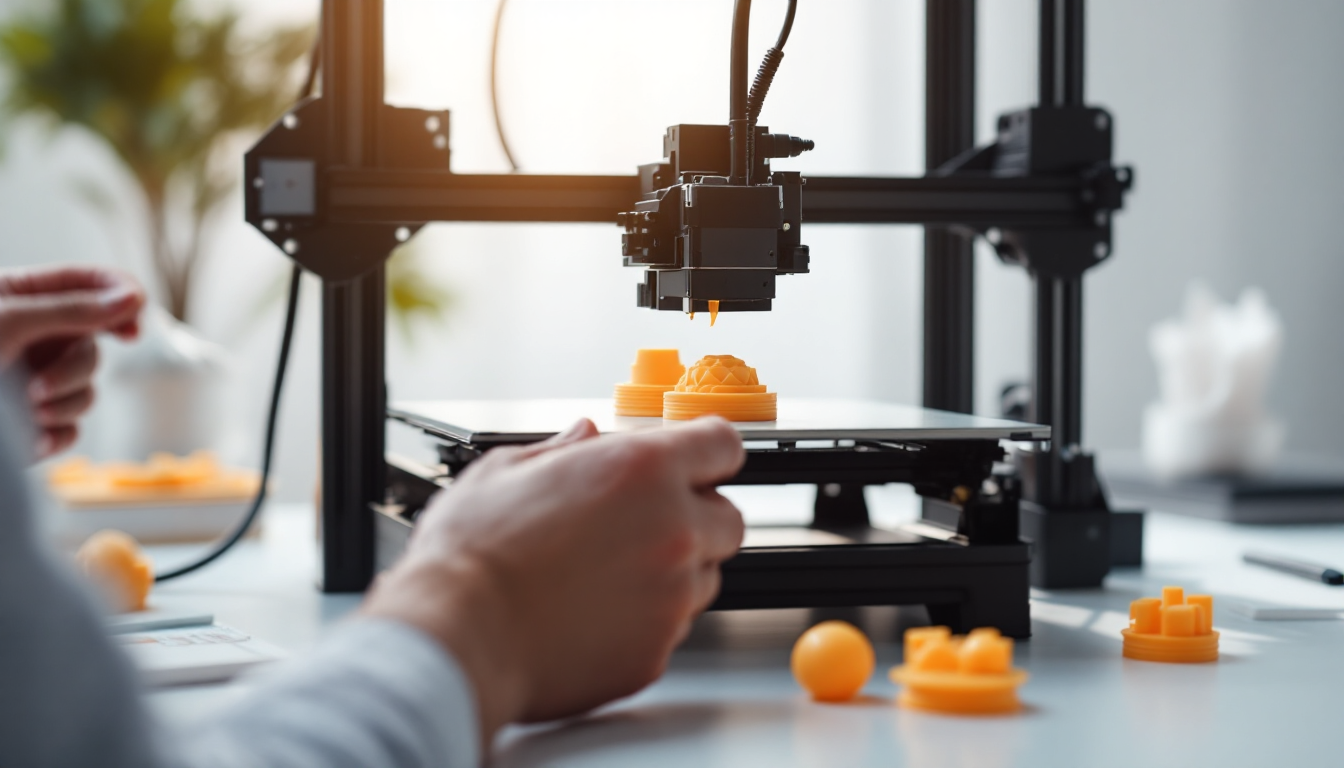
You know the problem: PETG print finished, but there are those annoying strings hanging between the objects. Your first thought is logical — crank up the retraction. You do that, but the strings remain. Why? Because PETG is a stubborn material that needs more than just mindless filament retraction.
Understanding the Stringing Problem
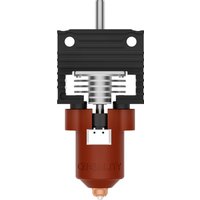
Stringing occurs when melted filament drips from the nozzle while the print head moves between objects. With PETG, this is particularly stubborn because the material has a lower viscosity than PLA and stays liquid longer. The thin strands are created by the surface tension of the material — it practically sticks to everything.
You can see it right away: your prints look like they have cobwebs. Especially between small details or separate objects, these annoying connections stretch out. With transparent PETG, they are even more noticeable than with opaque colors.
The Real Causes — Not Just Retraction
Moist Filament is the number one culprit. If you hear a cracking or popping sound while extruding, your PETG has absorbed moisture. This vaporizes in the nozzle and literally blows the material out — perfect retraction won’t help here.
Too High Print Temperature makes the material too runny. PETG needs 230-260°C, but many print at the upper end of this range. Just 5-10°C lower can work wonders.
Long Travel Movements give the material more time to ooze out. The further the print head travels between objects, the more can escape.
Incorrect Retraction Settings for your setup. Direct Drive needs only 0.5-1mm of retraction, while Bowden systems require 4-6mm. Many just copy settings from the internet without considering their system.
The Systematic Fix
Start with drying the filament. PETG at 65°C for 6 hours in the oven or filament dryer. No joke — moist material cannot be fixed with settings.
Set Retraction Correctly: For Direct Drive, a maximum of 2mm, ideally 1-1.5mm for PETG. For Bowden systems, 5-6mm. The retraction speed should be set to 20-40mm/s — too fast can cause the extruder to skip.
Drastically Increase Travel Speed. Instead of the usual 120mm/s, you can go up to 200mm/s or more on stable machines. Less time for travel movements means less time to ooze. On CoreXY printers, even 500mm/s is possible if the frame cooperates.
Lower the Temperature. Start 10°C below the maximum temperature of your PETG profile. Better to do several test prints than to be frustrated.
Slicer Settings That Really Help
Activate "Only retract when crossing perimeters." This prevents unnecessary retractions in the infill, where stringing isn’t visible anyway.
Turn on "Avoid crossing perimeters." The print head will then move around objects instead of through them — longer paths, but fewer visible strings.
"Wipe while retracting" is a must for PETG. The nozzle wipes over the last extrusion and takes any hanging material with it.
Try Coasting. This function stops the extrusion just before travel ends and lets the remaining pressure print the last bit. Reduces material excess at travel points.
Set Travel Distance Threshold to 1-2mm. Only longer travels will be retracted — saves time and wear.
Firmware-Specific Differences
Marlin Firmware uses G10/G11 for firmware retraction. You can configure this directly in G-code with M207, without slicer dependency.
Bambu Printers have "Reduce infill retraction" enabled by default. This makes sense because stringing in the infill usually remains invisible.
Klipper Users can utilize Pressure Advance — this reduces oozing through more precise print control.
Preventive Measures
Store PETG in airtight boxes with desiccant. Once it’s moist, it remains problematic until the next drying.
Print multiple small objects close together instead of spread out. Shorter travel movements mean fewer opportunities for stringing.
For critical prints: use Sequential Printing. Each object is fully printed before the next one starts. Zero travel movements between objects.
When It’s NOT Stringing
Under-Extrusion after Retraction looks similar but has different causes. If the first few millimeters are poorly extruded after travel movements, the retraction is too high or the prime speed is too low.
Z-Seam Blobs are often confused with stringing. These only appear at layer transitions, not between objects.
Nozzle Collisions leave scratches and misaligned layers. This happens with too low Z-hop or disabled collision avoidance.
With PETG, you’ll never print 100% stringing-free — the material is just like that. A heat gun at 200°C for 1-2 seconds removes the last strands without damaging the part. Or you accept that PETG has its quirks.